

Brick-Tracker Wishlist Notifications via Telegram & Discord – Here’s How to Set Them Up
Don’t want to constantly search for LEGO Deals and promotions yourself, but would rather be notified automatically? With Brick-Tracker notifications, you’ll receive updates on relevant price changes directly via Telegram or Discord.
Once it’s set up, everything runs automatically in the background.
What do these notifications do for you?
- Real-Time LEGO Deals & Deals
- no manual search
- No deal spam
- Automatic & Free
Add the Brick-Tracker bot to your Discord or Telegram channel
The Brick-Tracker bot isn’t just for use on the official channels— —you can also integrate it into your own Discord server or Telegram channel.
👉 Add the Brick-Tracker Telegram channel
Telegram: Enable Brick-Tracker Notifications
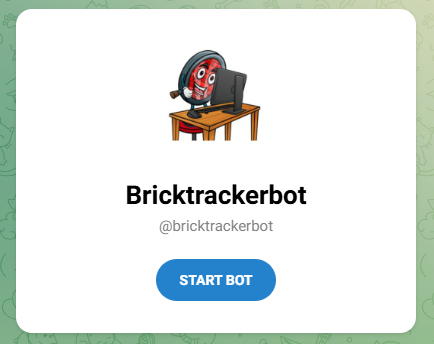
1. Start the bot
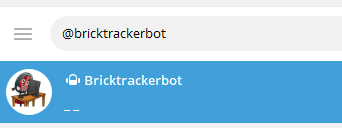
Open Telegram and launch the Brick-Tracker bot:
👉 Open the Brick-Tracker Telegram bot
2. Get your chat ID
Type /chatid in the chat or click on the menu
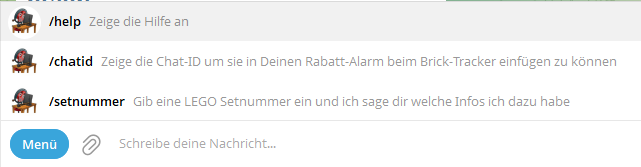
The bot automatically displays your personal chat ID.
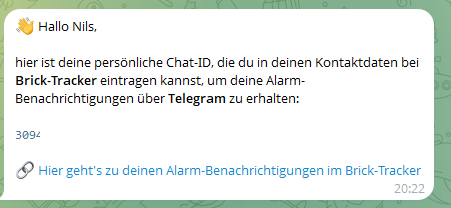
3. Enter the chat ID in Brick-Tracker
Enter the chat ID in the Brick-Tracker web app. Use the link from Telegram or this one:
👉 Go to the Brick Tracker web app
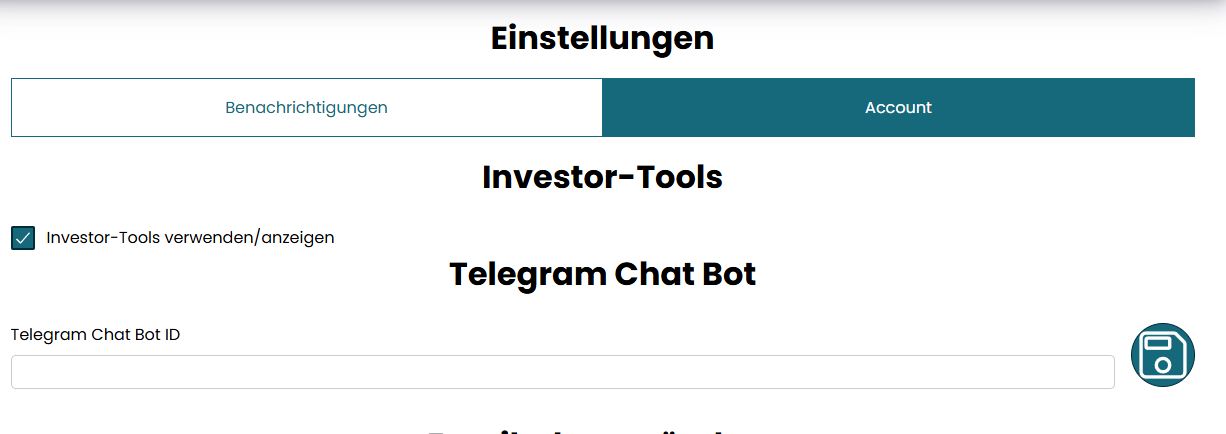
Save the data—done.
Discord: Receive Notifications
It’s almost as easy on Discord. You can find the bot on our LEGO Discord:
👉 Go to the Brick-Tracker Discord on Discord
The bot is called BrickTrackerBot. If you can’t find it right now, just type in a set number, like 75337, and the bot will show you all the details about that set. Then start a private chat with the bot.
2. Get your chat ID
Type !chatid in the chat or click on the menu
The bot automatically displays your personal chat ID.
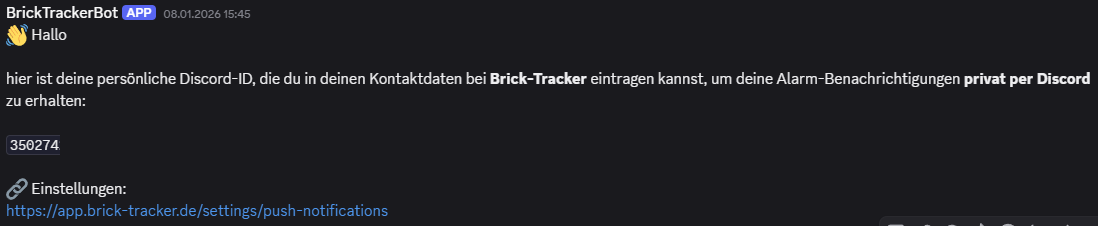
3. Enter the chat ID in Brick-Tracker
Enter the chat ID in the Brick-Tracker web app. Use the link from Discord or this one:
👉 Go to the Brick-Tracker web app
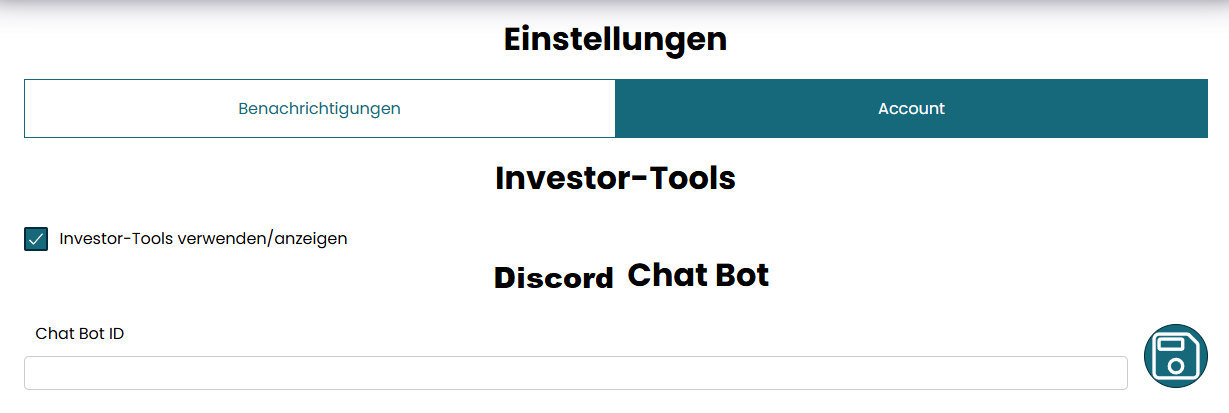
Telegram or Discord?
- Telegram: Ideal for push notifications on your cell phone
- Discord: Perfect for Desktop & Community
The content is the same—you decide where to get it.
More Brick-Tracker Channels
👉 WhatsApp News Channel:
https://whatsapp.com/channel/0029Vb7M78M5Ejxtkt3Wee1P
👉 Telegram News Channel:
https://t.me/brick_tracker_Lego_News
Conclusion
Brick-Tracker notifications make sure you don’t miss out on LEGO deals—no time wasted, no spam.